
CapCut Transforms Videos into Image Sequences
Converting video to image sequences offers precise control for animation and detailed analysis, a process simplified by CapCut's desktop and mobile applications.

Converting video into individual image frames often presents challenges, as many tools are either overly complex or lack crucial features. Creators frequently struggle to maintain high image quality and consistent frames after extraction, leading to frustration in their workflow.
This process, however, is a powerful method to dissect dynamic content into still visuals for various creative and technical purposes. It enables frame-by-frame analysis, precise animation adjustments, and the application of granular creative effects, enhancing overall project quality.
The core principle behind this conversion is gaining granular control over every moment of a video. By isolating frames, editors can fine-tune animations, apply specific effects without altering other footage, and meticulously analyze movements for error correction or detailed study.
CapCut desktop editor streamlines the extraction of image sequences from any video, making it a preferred tool for its simplicity and accuracy. This functionality is particularly valuable for projects requiring detailed frame analysis, creating thumbnails, or capturing key moments for further editing.
To begin with CapCut desktop, users first import their video into a new project. This initial step is essential whether the goal is immediate frame extraction or preparing to import image sequences later for advanced editing.
Next, users adjust frame resolution and format. The zoom slider allows for precise visibility of individual frames. From the menu icon, selecting "Export still frames" initiates the efficient processing. Users then configure export settings, including sequence name, resolution (e.g., 1080p), and format (JPEG or PNG).
After exporting, users review and save the image sequence to their desired folder. This completes the extraction process. CapCut also offers features like precise freeze-frame capabilities, adjustable frame rates, and high-quality image saving, preserving original video resolution.
For creators on the go, the CapCut mobile app provides a fast and convenient solution for extracting video to image sequences. This allows users to generate sequences directly from their phones, making it ideal for capturing key moments anytime, anywhere.
In the mobile app, users open a new project and select the video from their gallery. They then play the video, pausing at desired moments, and tap the "Cover" icon to save each frame as an image. This process is repeated for all necessary frames.
Extracted frames are then saved to the phone's gallery, where they can be organized for easy access or further editing. The CapCut mobile app maintains frame-by-frame precision and saves images in high resolution, ensuring quality is preserved.
A common pitfall in this process is neglecting to adjust the frame rate or resolution settings, which can result in either too many unnecessary frames or images of insufficient quality. Always verify export settings to match project requirements.
This capability opens up possibilities such as creating time-lapse videos by combining specific frame intervals or aiding animators in detailed frame-by-frame work. It also facilitates motion analysis for studying fast actions or intricate movements.
Users should ensure their CapCut application is updated to the version available as of September 10, 2026, to access the most current features and interface. Future updates may introduce additional tools for enhanced image sequence extraction.
Xem thêm từ blog

Suno Personas Streamline Style Consistency
The new feature allows users to save and recall specific vocal and musical styles for future song generation, enhancing creative workflow.

CapCut Enhances Downloaded Reels Audio for Creators
Content creators can leverage CapCut to refine and repurpose Instagram Reels, overcoming platform download limitations.

Crafting AI Wedding Invitations with Higgsfield
Higgsfield offers a seven-step process to create personalized AI wedding invitations, transforming ordinary photos into a 30-second video and printable cards.
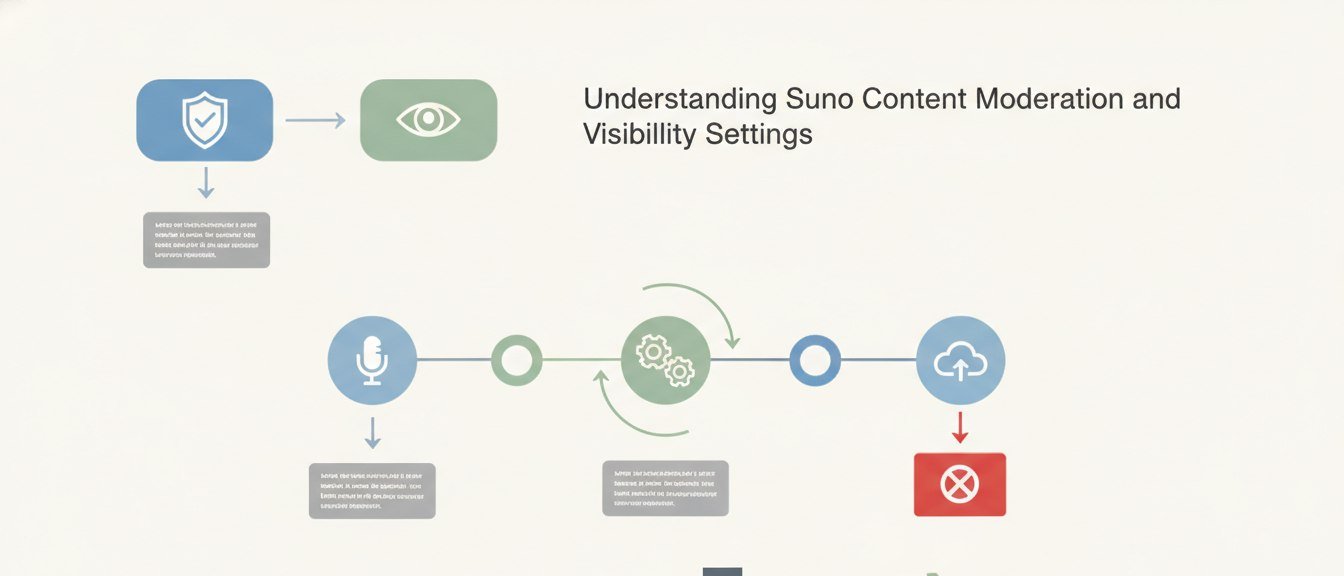
Understanding Suno Content Moderation and Visibility Settings
Suno implements content moderation to maintain a safe platform, impacting how generated songs are shared and discovered.