
Crafting AI Wedding Invitations with Higgsfield
Higgsfield offers a seven-step process to create personalized AI wedding invitations, transforming ordinary photos into a 30-second video and printable cards.
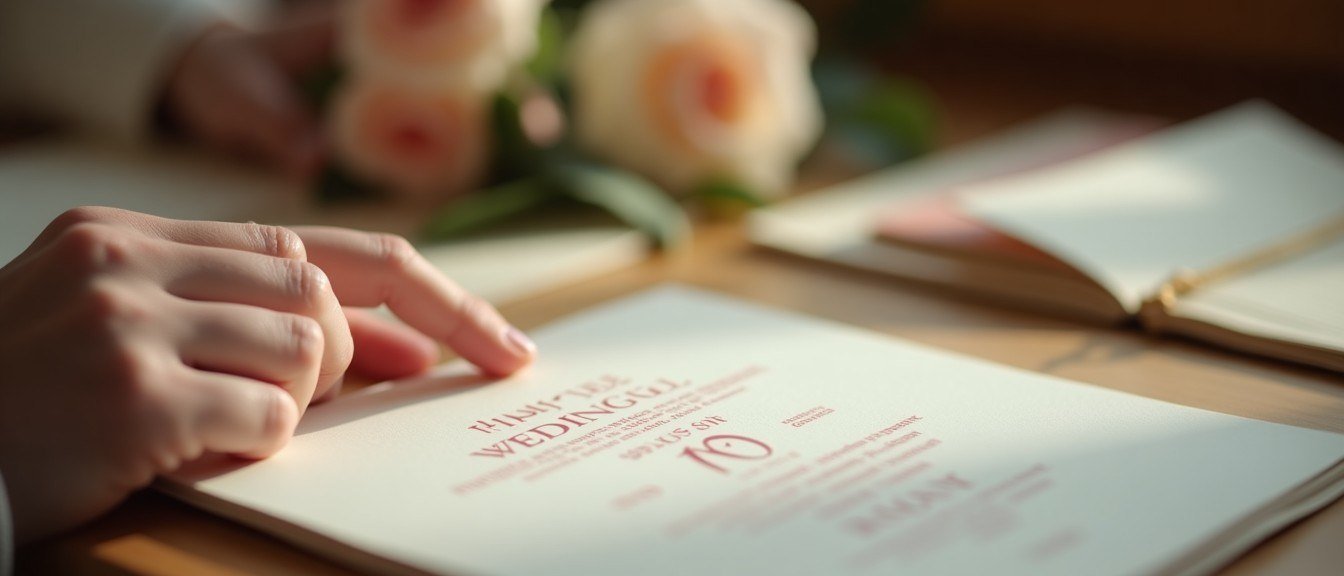
Traditional wedding invitations often require extensive design work or costly professional services, making personalized options time-consuming and expensive. Leveraging AI tools can streamline this process, enabling couples to create unique, high-quality invitations from their existing photos.
Higgsfield's AI-native creative suite, featuring Cinema Studio 4.0, provides a comprehensive pipeline for generating both video and photo invitations. This guide focuses on utilizing its core features to maintain visual consistency and creative control throughout the invitation creation.
A fundamental principle for effective AI content generation is to establish a clear narrative and visual style early in the process. Defining your scenario and desired aesthetic before generating any visuals ensures a cohesive and intentional outcome, minimizing costly revisions later.
First, create a digital character for each partner using Soul ID. Upload 20 to 80 clear, recent photos with varied angles and at least one full-height shot. This one-time training allows the Soul 2.0 model to maintain likeness across different generations and styles, tagging characters with '@' in prompts.
After character creation, generate a few portraits to confirm the likeness and understand how each partner renders in various lighting. This step helps in refining the visual direction before committing to key frames for the invitation.
Next, develop a detailed scenario, splitting it into arcs with specific time ranges. A 25-30 second film typically accommodates 6 to 8 beats, each lasting 2 to 4 seconds. This timed script will directly inform the video prompt in later stages.
For instance, a scenario might begin with "An elegant hand holds a vintage envelope, a soft glow illuminates the scene, cinematic, warm tones, golden hour @couple" for the opening beat. This prompt defines the action, props, and overall style.
Generate key frames for each beat of your scenario using Higgsfield's image models. Models like Nano Banana Pro offer precise object control, while Seedream 5.0 Pro excels at combining multiple people into one shot. Ensure each prompt includes the '@' tags for characters and props, along with a consistent style block.
An example prompt for a key frame could be: "@couple standing on a rooftop at sunset, holding hands, city skyline in background, cinematic, romantic, soft focus, warm colors, film grain." This frame can also serve as a standalone photo invitation.
Common failures often arise from inconsistent styling or character representation across different generations. Without proper character training in Soul ID or consistent style blocks in prompts, the AI may produce varied appearances or aesthetics, requiring extensive regeneration.
To create the lettering for the invitation, use an image model with reliable text rendering, such as GPT Image 2. Place the exact wording in quotes and describe the typeface explicitly on a plain, neutral background. This separate asset ensures text clarity and control.
For example: "'Save the Date: September 10, 2026' in elegant script font, centered on a clean white background, high resolution." This lettering can then be combined with a chosen key frame in an editor or through a second image generation.
Once key frames and lettering are ready, open Cinema Studio 4.0. Select your approved key frames and characters as references. Translate your timed scenario into the video prompt, including actions, spoken lines, and music arcs. Cinema Studio generates audio alongside the video.
The Director's Panel in Cinema Studio offers extensive controls, from genres and eras to camera types and color palettes. Adjust settings like "Calm" tempo for a romantic film or "Dynamic" for a more active script, tuning the character emotion slider for desired expressiveness.
After generating the film, utilize built-in modes for minor fixes instead of a full rerun. This allows for targeted adjustments to specific moments. Finally, overlay the lettering asset onto the closing frames or append it as a still card, then export the finished 16:9 film.
To ensure a successful AI wedding invitation, verify that Soul ID characters are consistently trained, all prompts include specific style blocks, and the timed scenario is detailed. Iterating at the image generation stage saves significant resources compared to regenerating video segments.
Mais do blog

Suno Personas Streamline Style Consistency
The new feature allows users to save and recall specific vocal and musical styles for future song generation, enhancing creative workflow.

CapCut Enhances Downloaded Reels Audio for Creators
Content creators can leverage CapCut to refine and repurpose Instagram Reels, overcoming platform download limitations.
Understanding Suno Content Moderation and Visibility Settings
Suno implements content moderation to maintain a safe platform, impacting how generated songs are shared and discovered.

CapCut Web Transforms Text to Images, Offers Creative Control
Users seeking reliable AI image generation find CapCut Web provides a robust platform for turning text prompts into high-quality visuals.