
CapCut Enhances Downloaded Reels Audio for Creators
Content creators can leverage CapCut to refine and repurpose Instagram Reels, overcoming platform download limitations.

Content creators frequently seek methods to save Instagram Reels with audio for offline access or future editing. Instagram, however, imposes restrictions on directly downloading Reels with their original audio to a device's gallery. This limitation creates a challenge for users aiming to reuse or enhance content outside the platform.
While Instagram offers built-in saving to its 'Saved' section and allows saving draft Reels with audio, these methods do not transfer the content to a phone's gallery. To bypass this, users often resort to screen recording their Reel drafts on iOS or Android devices. This process captures the visual and audio elements, making the content available for external use.
For Reels that have already been posted, Instagram provides a direct 'Download' option within the share menu to save the video with its original audio to the phone's gallery. This feature simplifies the process for creators who wish to back up their content or share it across other platforms. Once downloaded, these Reels become raw material for further enhancement.
CapCut, a versatile video editing tool, serves as a powerful solution for enhancing and repurposing these downloaded Instagram Reels. It maintains high-quality visuals and audio, offering advanced features to refine content. The platform's capabilities extend beyond basic editing, providing a comprehensive suite for creators.
CapCut includes a rich library of royalty-free music and video clips, facilitating seamless content creation and avoiding copyright issues. It also offers diverse visual elements such as filters, transitions, stickers, and text overlays to make videos more engaging. These tools enable creators to transform simple Reels into polished productions.
The platform's audio editing tools allow users to adjust, extract, and download audio in various formats like FLAC, MP3, AAC, and WAV. This feature ensures perfect synchronization with video content or enables the audio to be used independently. Creators can trim audio, adjust volume, or add background music to their saved Reels.
To begin editing, users import their saved Reel into CapCut by clicking 'Create project' and then 'Import'. The video is then arranged in the timeline, allowing for the addition of multiple clips if merging different videos is desired. This initial step sets the foundation for a comprehensive editing workflow.
Once imported, CapCut's editing tools enable users to trim, split, and adjust the Reel for a smooth flow. Visuals can be enhanced with filters, text, and transitions, making the Reel more engaging for viewers. Creators can also change or overlay music using CapCut's audio editing features for a fresh and customized sound.
After finalizing edits, the Reel is exported by selecting the desired resolution and format optimized for platforms like Instagram or TikTok. The edited Reel can then be saved to the device or shared directly to various social media platforms. This streamlined export process ensures content is ready for immediate distribution.
A common pitfall is reusing content without proper permissions, as Instagram's audio and video may be subject to copyright restrictions. Creators must always ensure they have the necessary rights before repurposing downloaded material, especially for commercial use. CapCut facilitates editing but does not grant content usage rights.
CapCut's features, as of September 10, 2026, empower creators to refine audio, add effects, and optimize content for social media. By leveraging these powerful tools, users can re-edit downloaded Reels or create entirely new videos from existing assets. This enhances the content creation workflow, making it more efficient and versatile.
Mehr aus dem Blog

Suno Personas Streamline Style Consistency
The new feature allows users to save and recall specific vocal and musical styles for future song generation, enhancing creative workflow.

Crafting AI Wedding Invitations with Higgsfield
Higgsfield offers a seven-step process to create personalized AI wedding invitations, transforming ordinary photos into a 30-second video and printable cards.
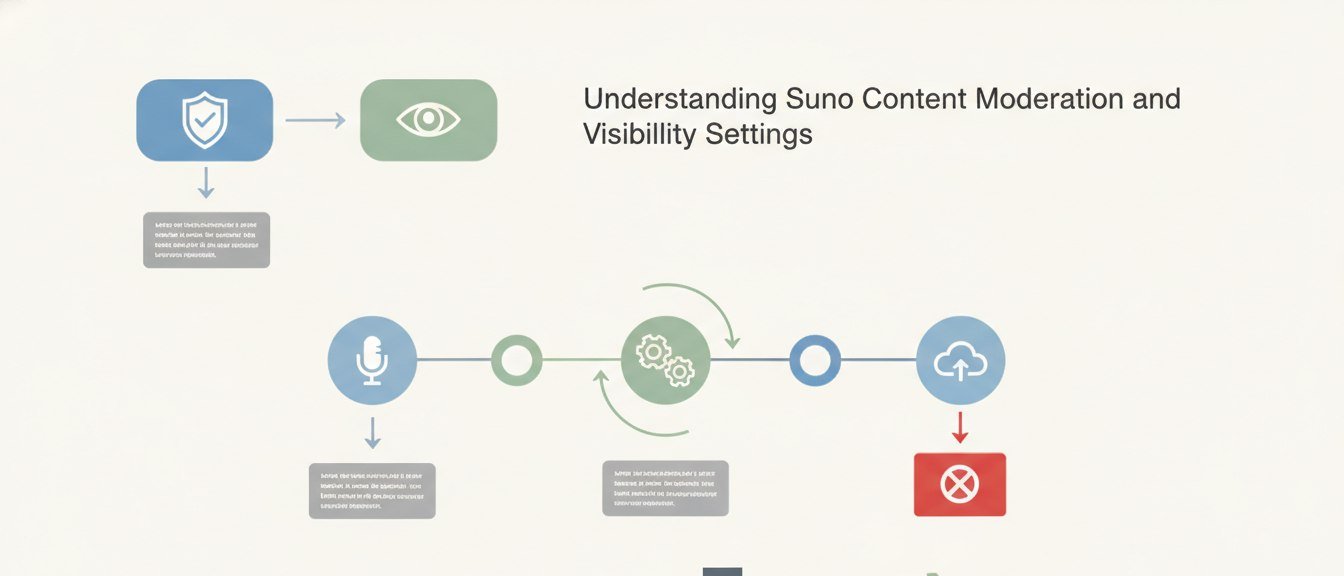
Understanding Suno Content Moderation and Visibility Settings
Suno implements content moderation to maintain a safe platform, impacting how generated songs are shared and discovered.

CapCut Web Transforms Text to Images, Offers Creative Control
Users seeking reliable AI image generation find CapCut Web provides a robust platform for turning text prompts into high-quality visuals.